How it works
SpeechCatcher connects recording, transcription, analysis, and reporting in one workflow for multilingual and multidialectal speech assessment.
Record
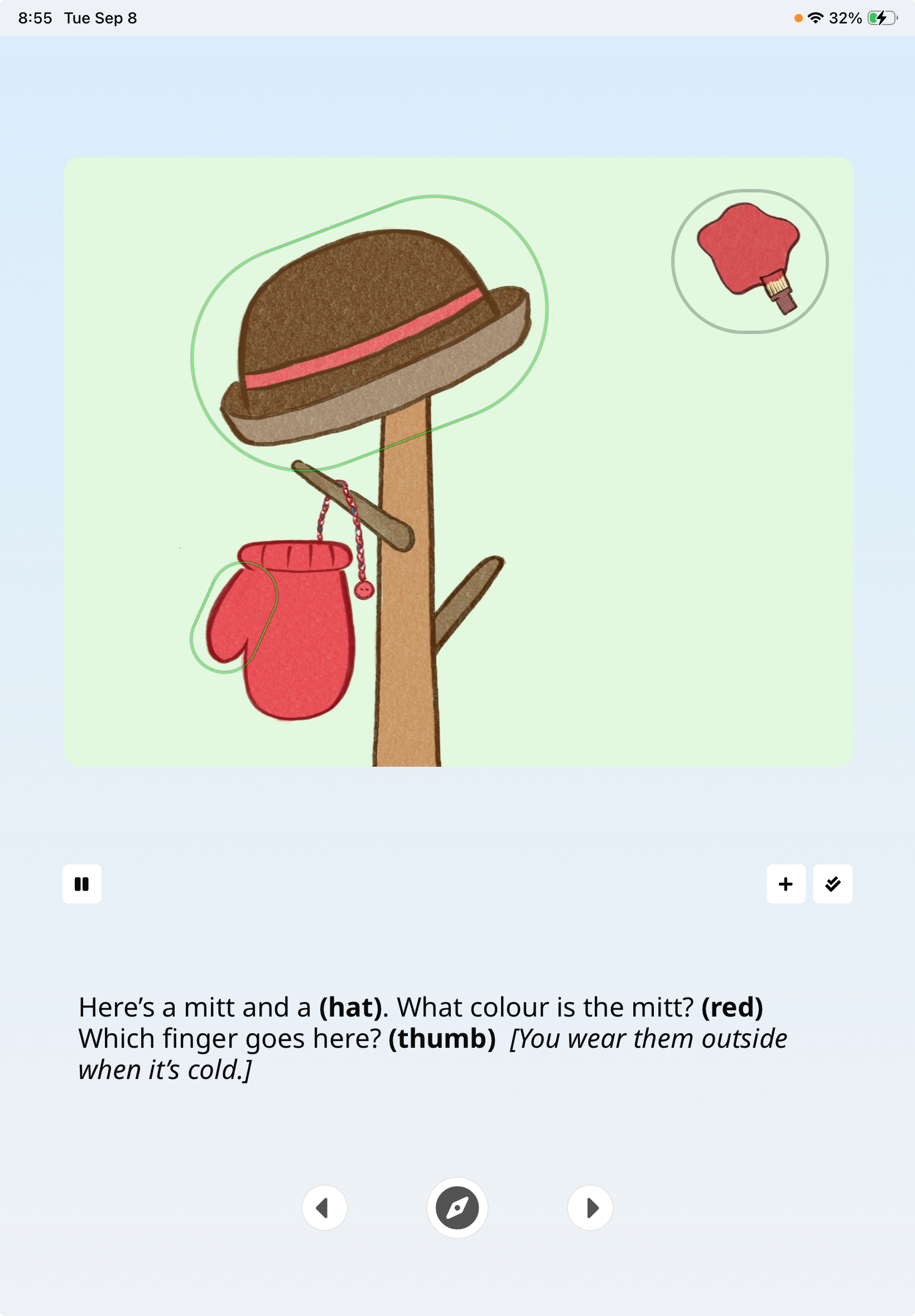
Present the images and prompts in your selected test while SpeechCatcher records the responses. Each response stays linked to its target, ready for transcription.
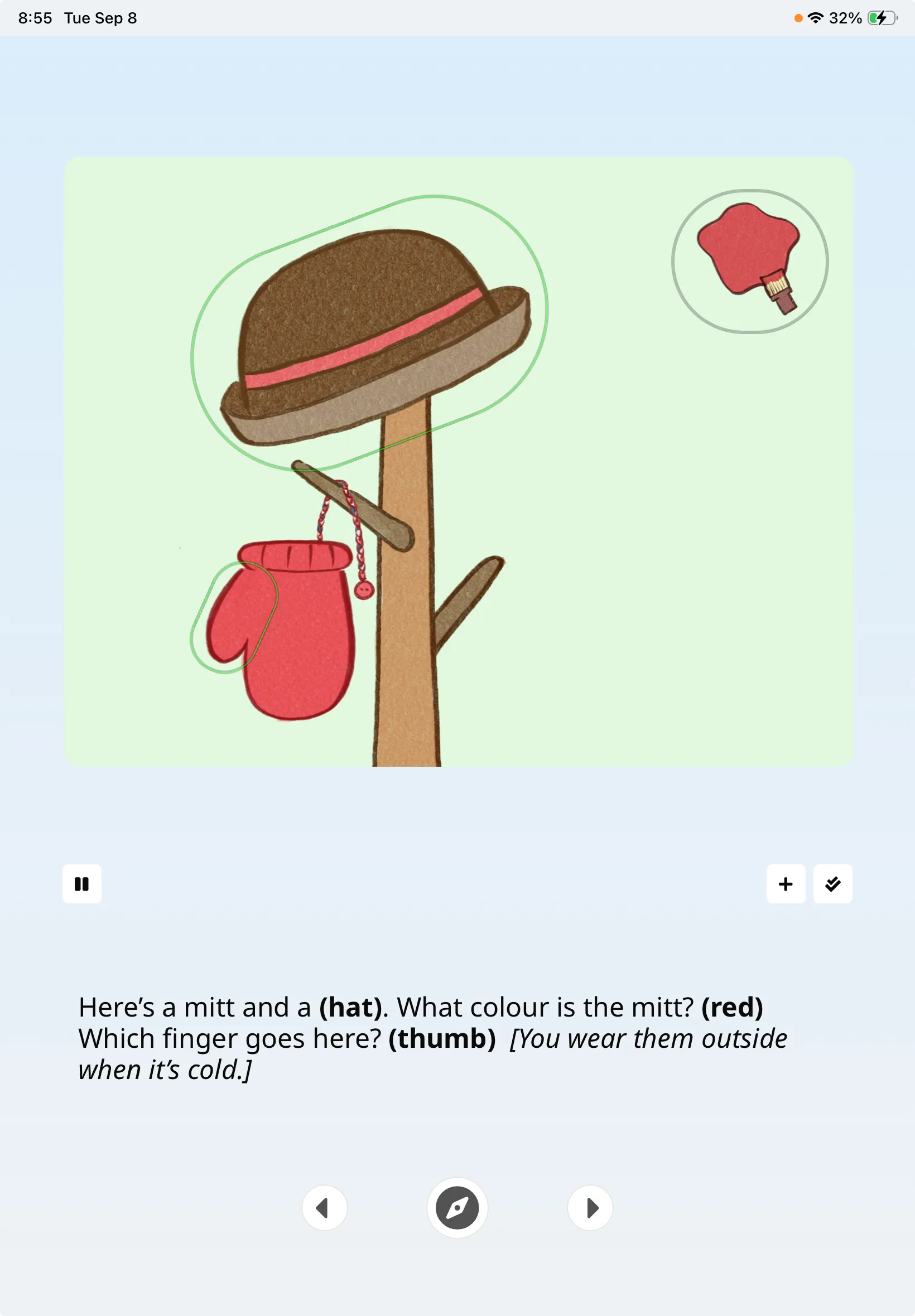 View full-size record screenshot (opens in a new tab)
Record in SpeechCatcher. Select the image to enlarge. Transcribe
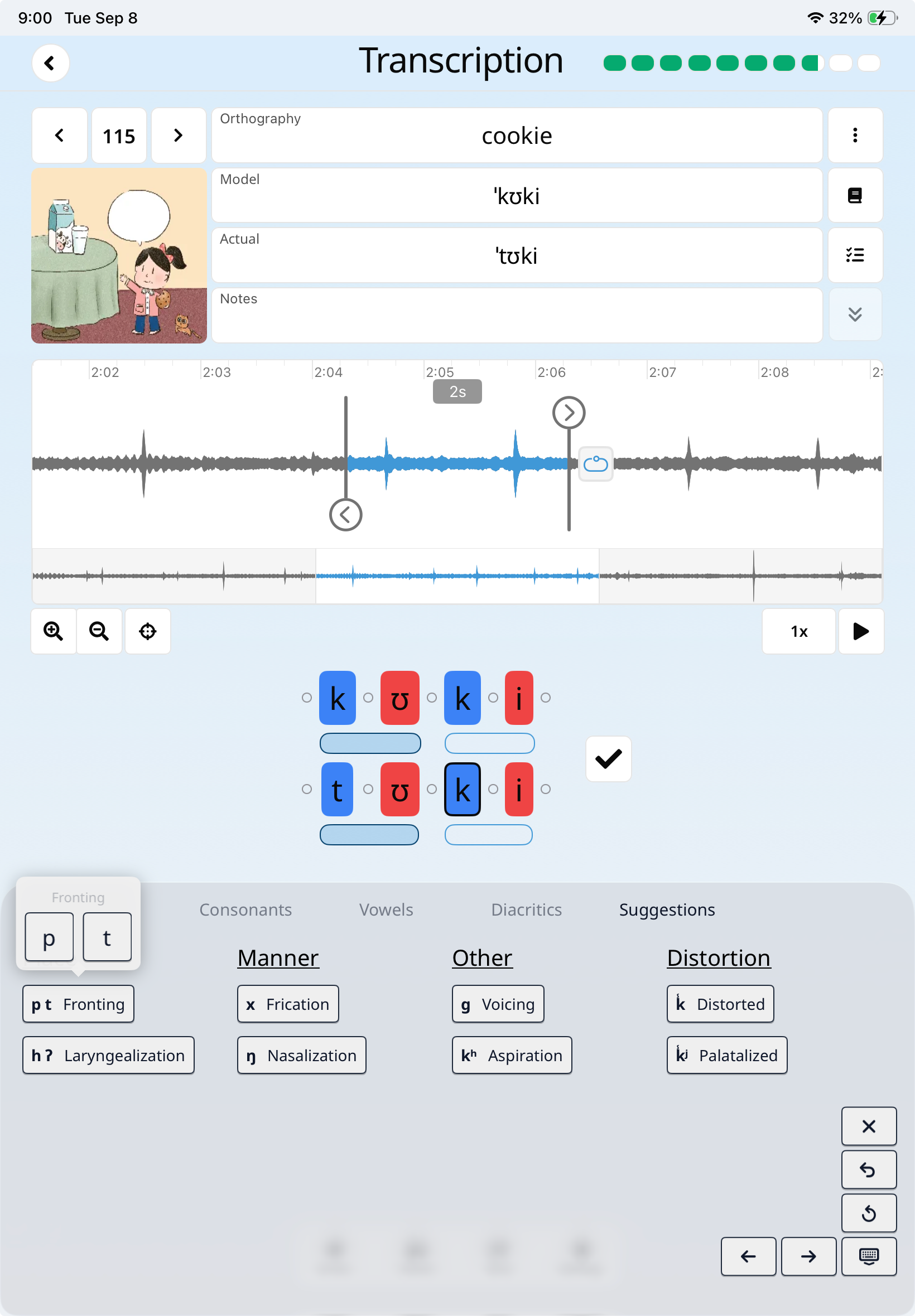
Move from the recorded response to its waveform and phonetic transcription. Listen, refine the transcription, and validate the record so it is ready for reporting.
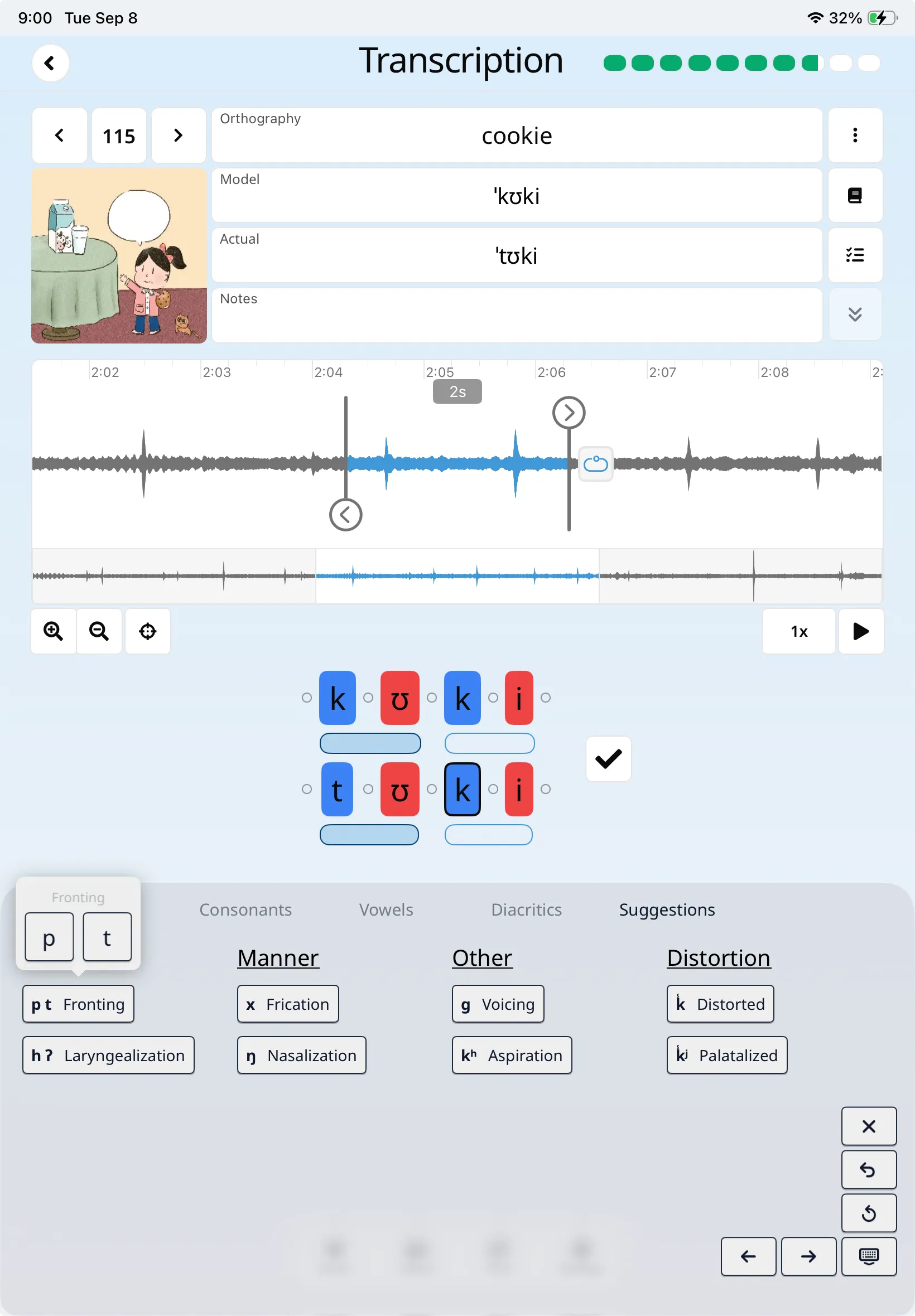 View full-size transcribe screenshot (opens in a new tab)
Transcribe in SpeechCatcher. Select the image to enlarge. Report
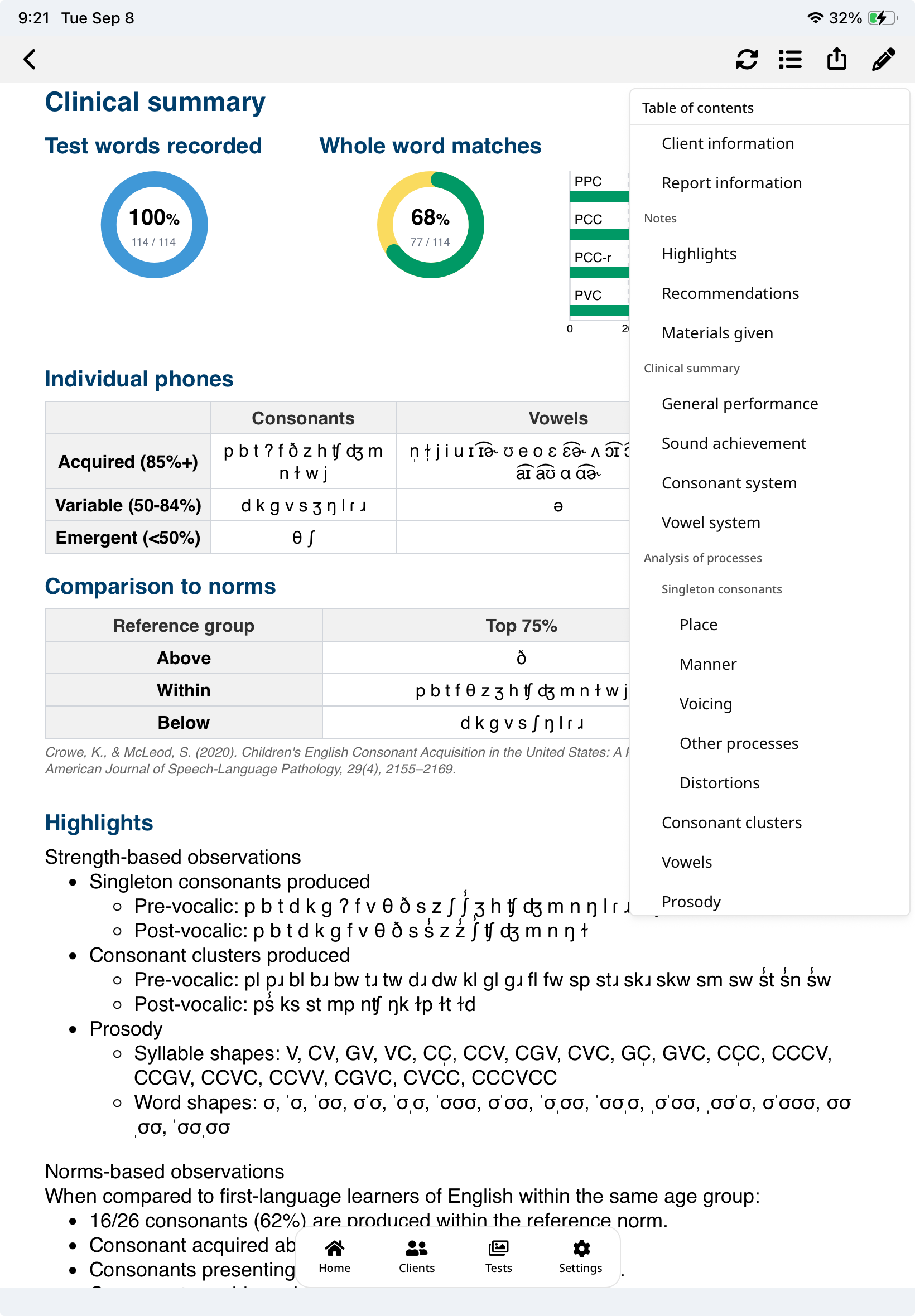
Use the reviewed transcriptions to generate rule-based analyses and reports. Choose the sections you need, add notes, and export a PDF. Available analyses and norms depend on the test and language.
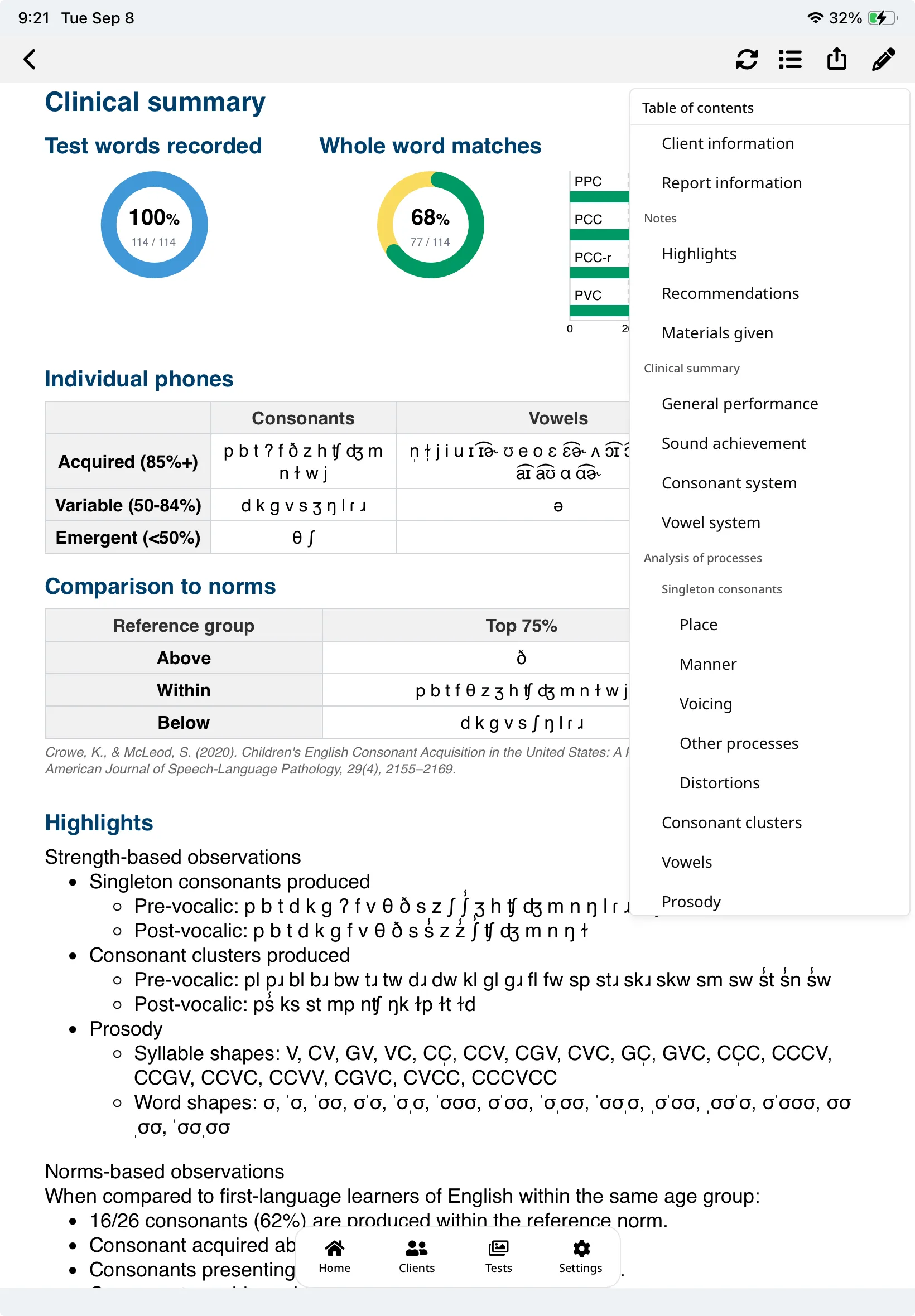 View full-size report screenshot (opens in a new tab)
Report in SpeechCatcher. Select the image to enlarge.
Ready to try the workflow?
The quick start guide walks you through each screen when you are ready for the details.